Try a free staging preview

Virtual Staging That Gets Empty Listings Ready to Market

Upload a vacant room photo, preview the staged result, and export listing-ready images when approved.

Listing-ready room previews
Made for real estate listings
See the room transformed
Create email drafts next
0 / 500
Room type
Staging style
Stage a Room
1Upload room photo
2Choose room and style
3Preview, then export

Staging Previews

Get Realistic Virtual Staging Results in Minutes

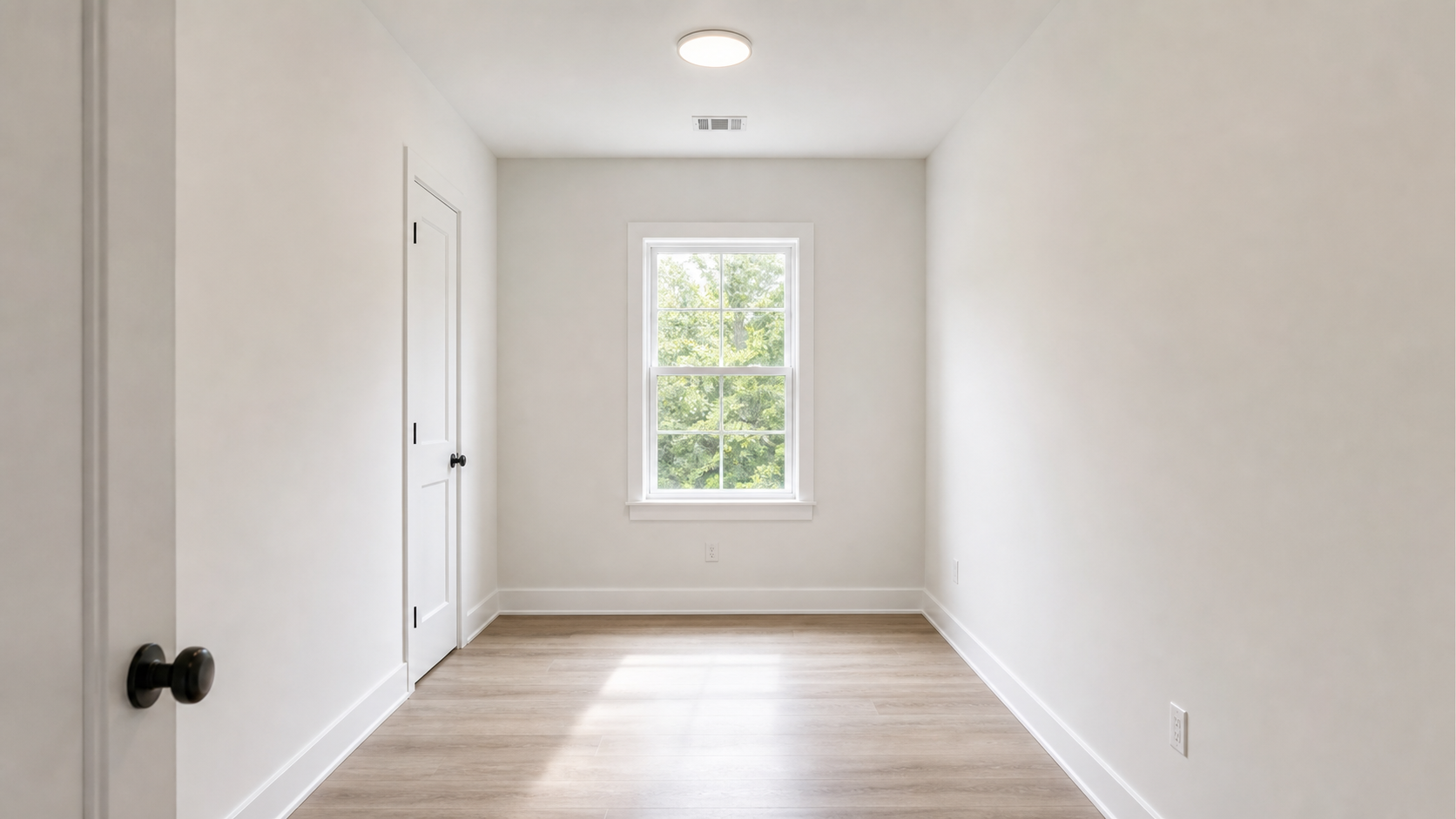
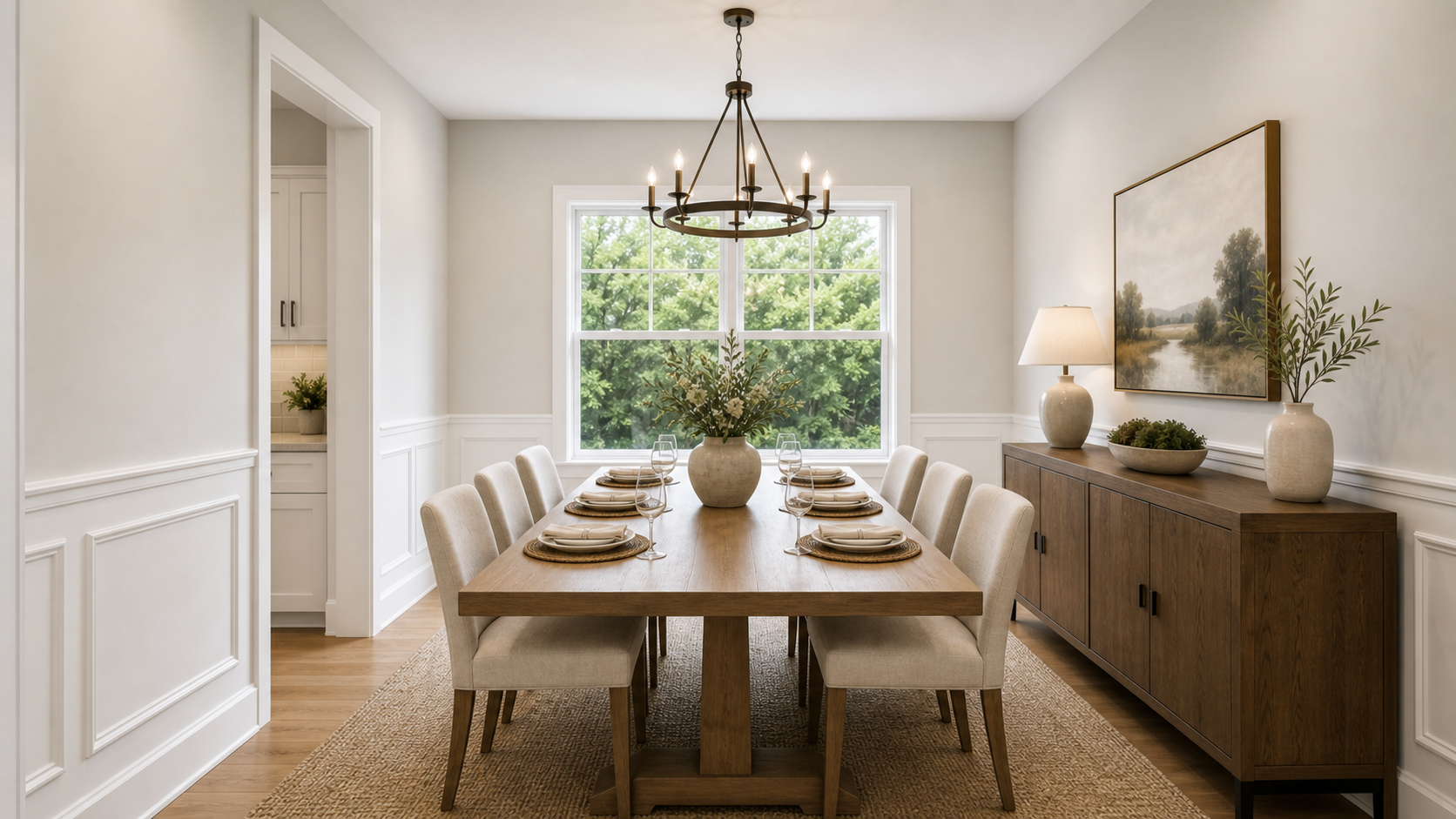
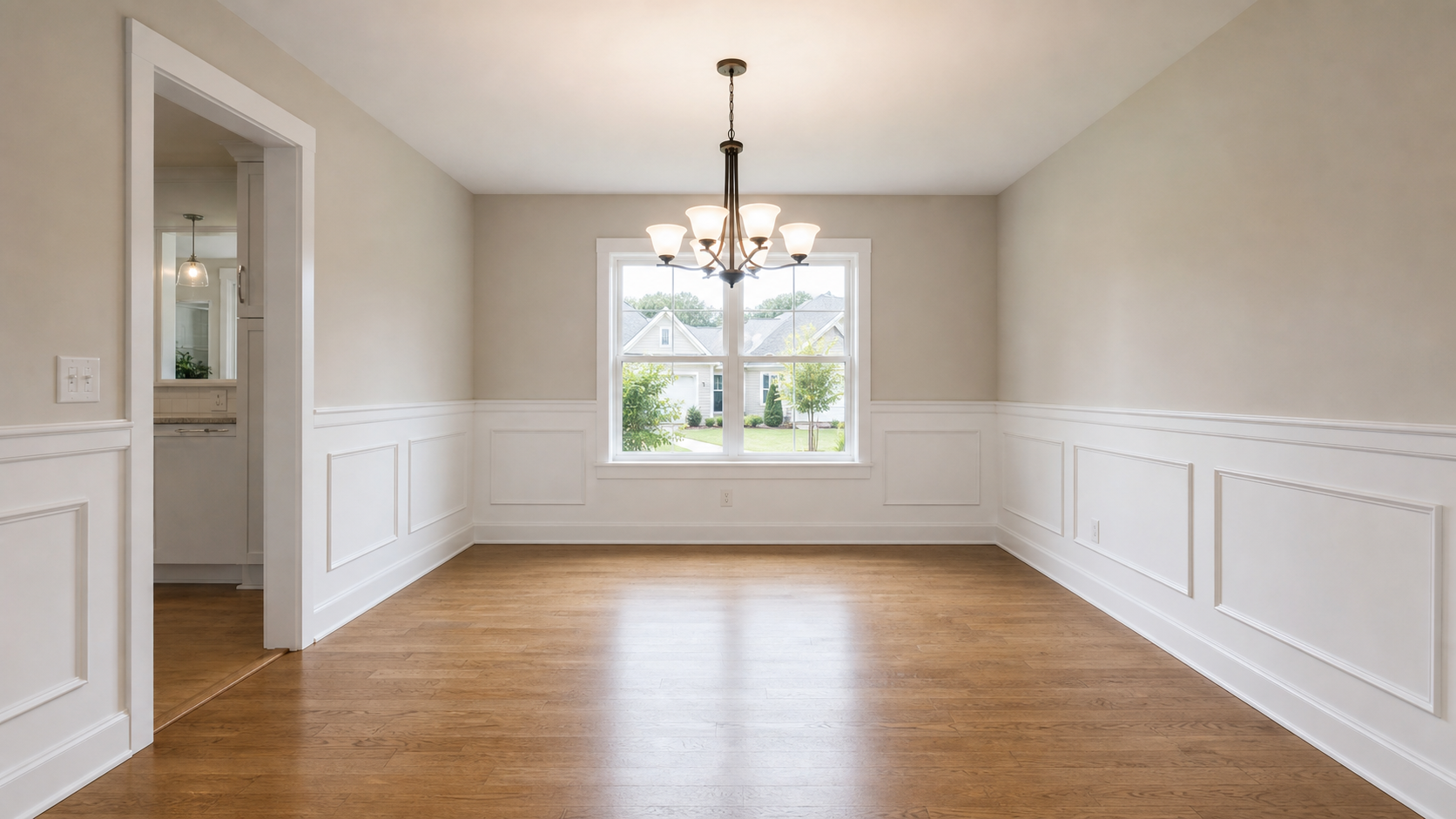
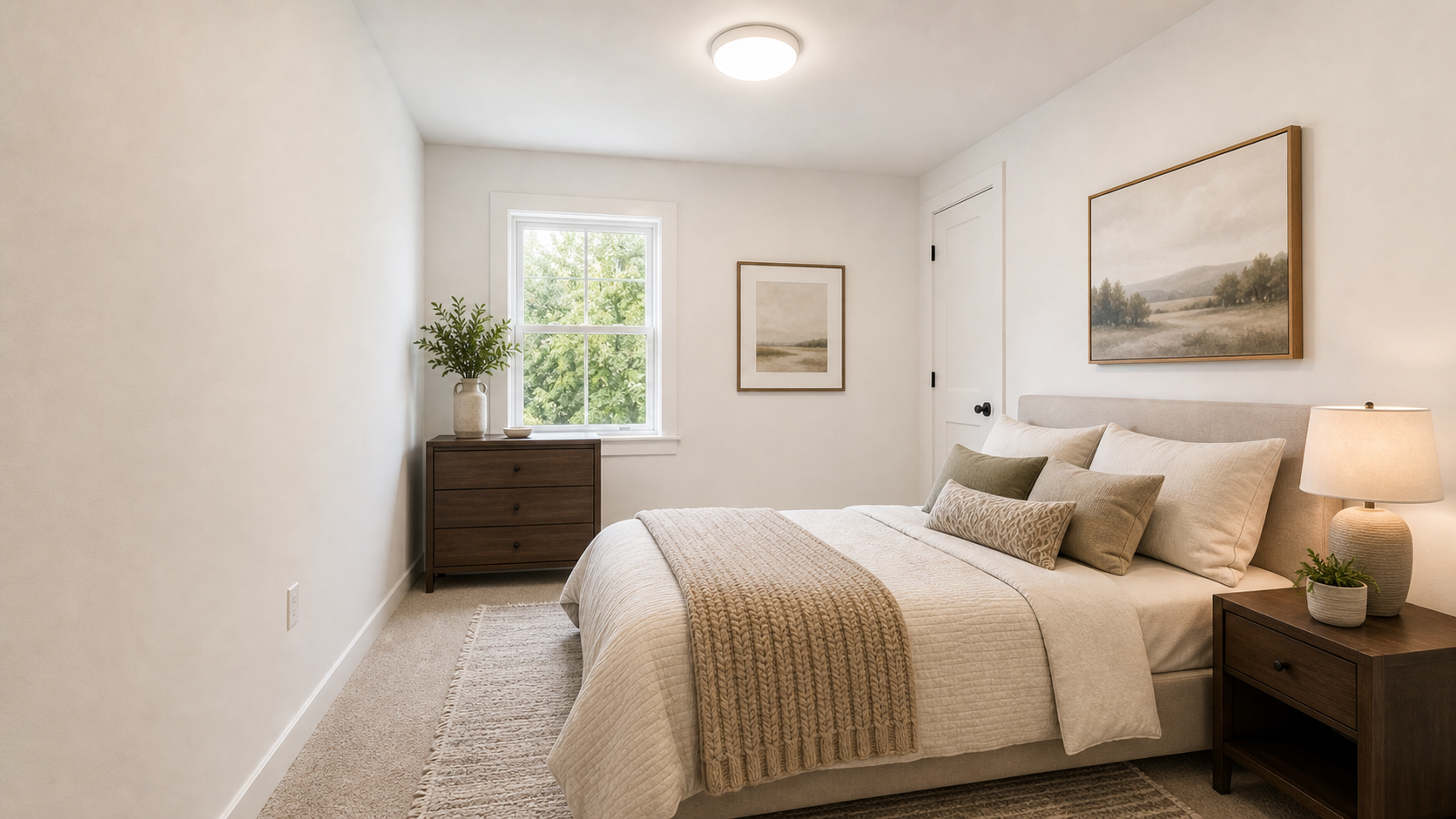
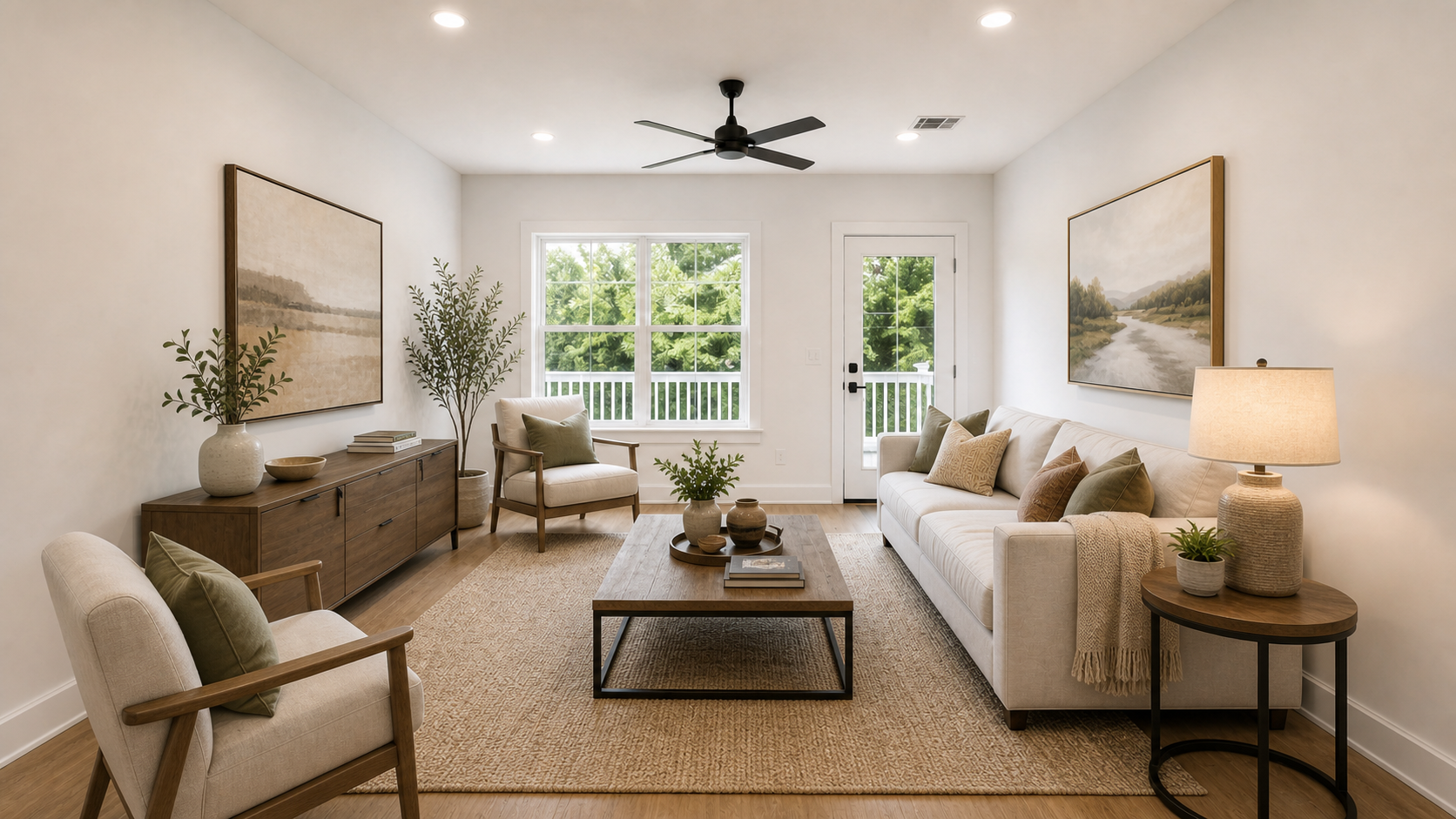
See vacant living rooms, bedrooms, dining areas, and flex rooms turn into realistic staged listing photos without changing the actual property.

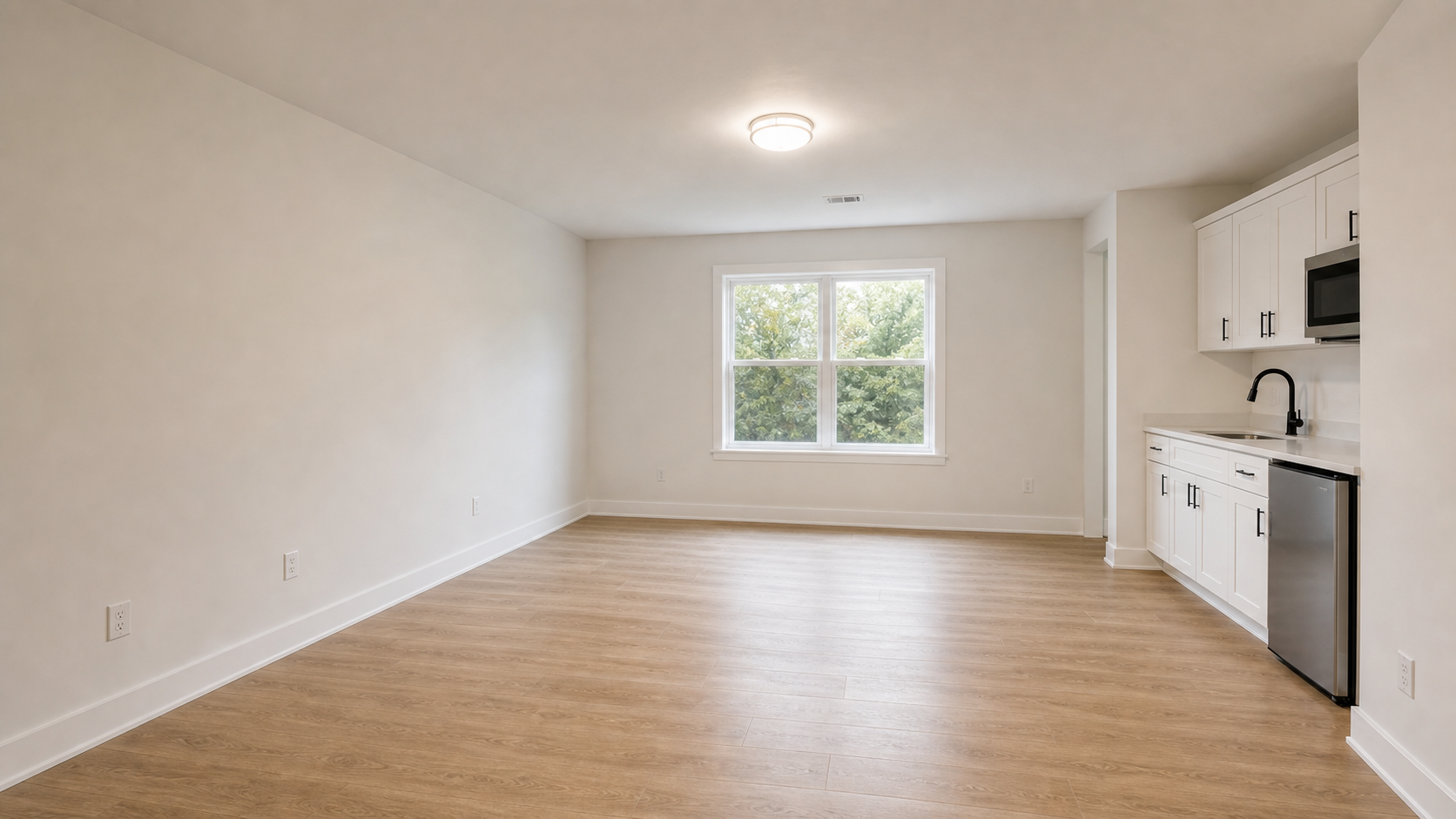
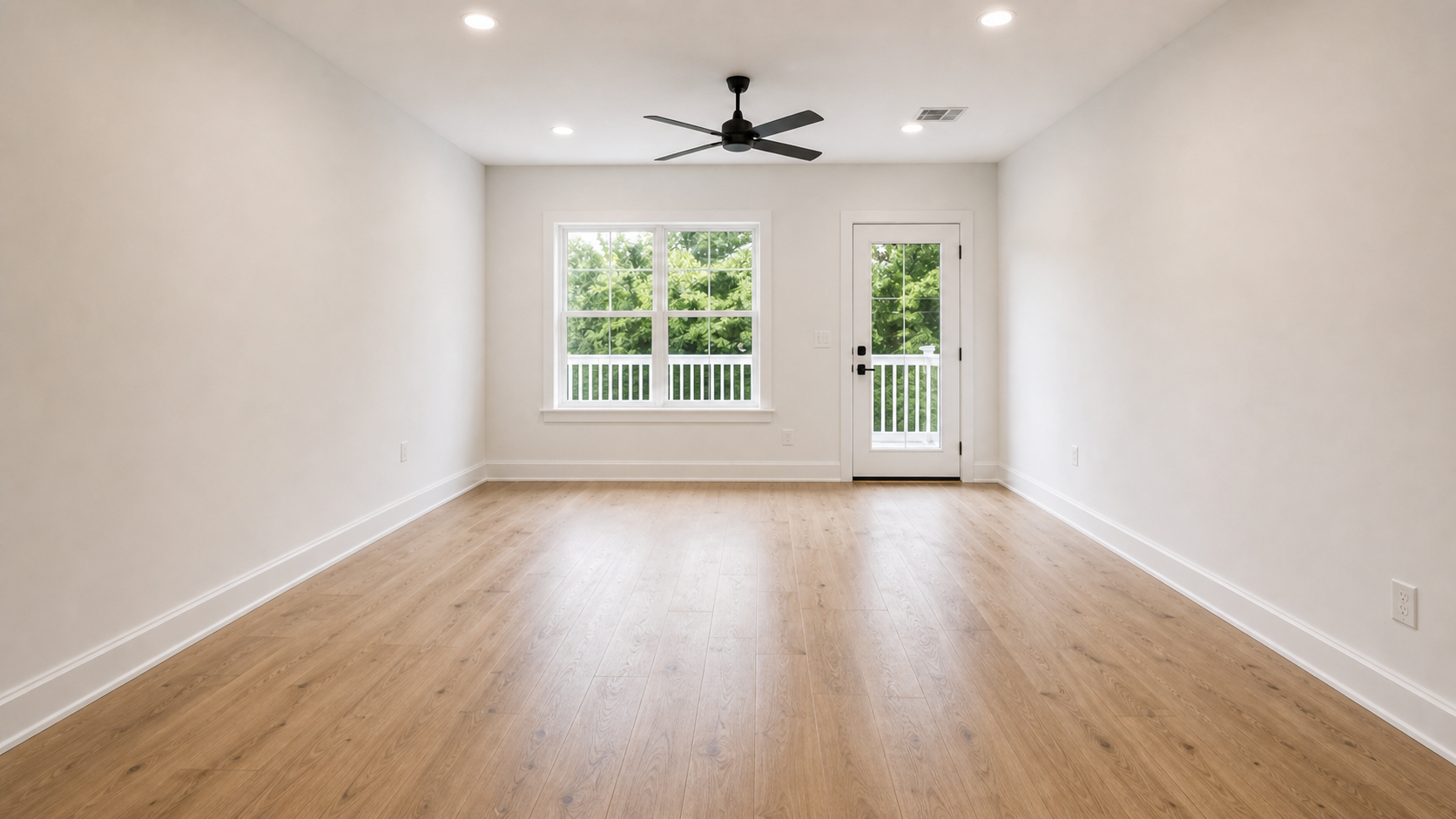
Vacant living room after premium virtual stagingVacant living room before virtual staging
BeforeAfter

Vacant living room

Define the main living space

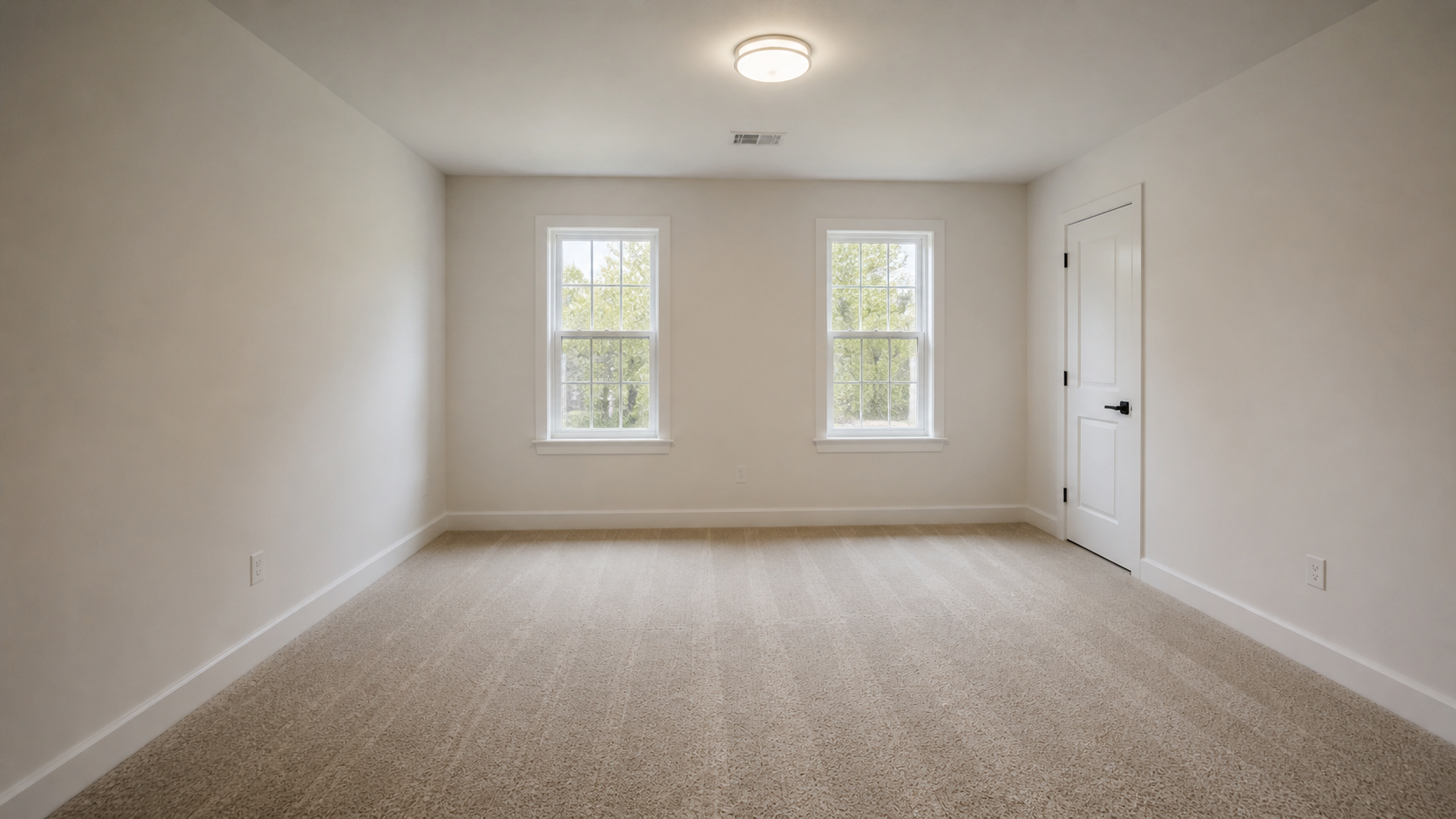
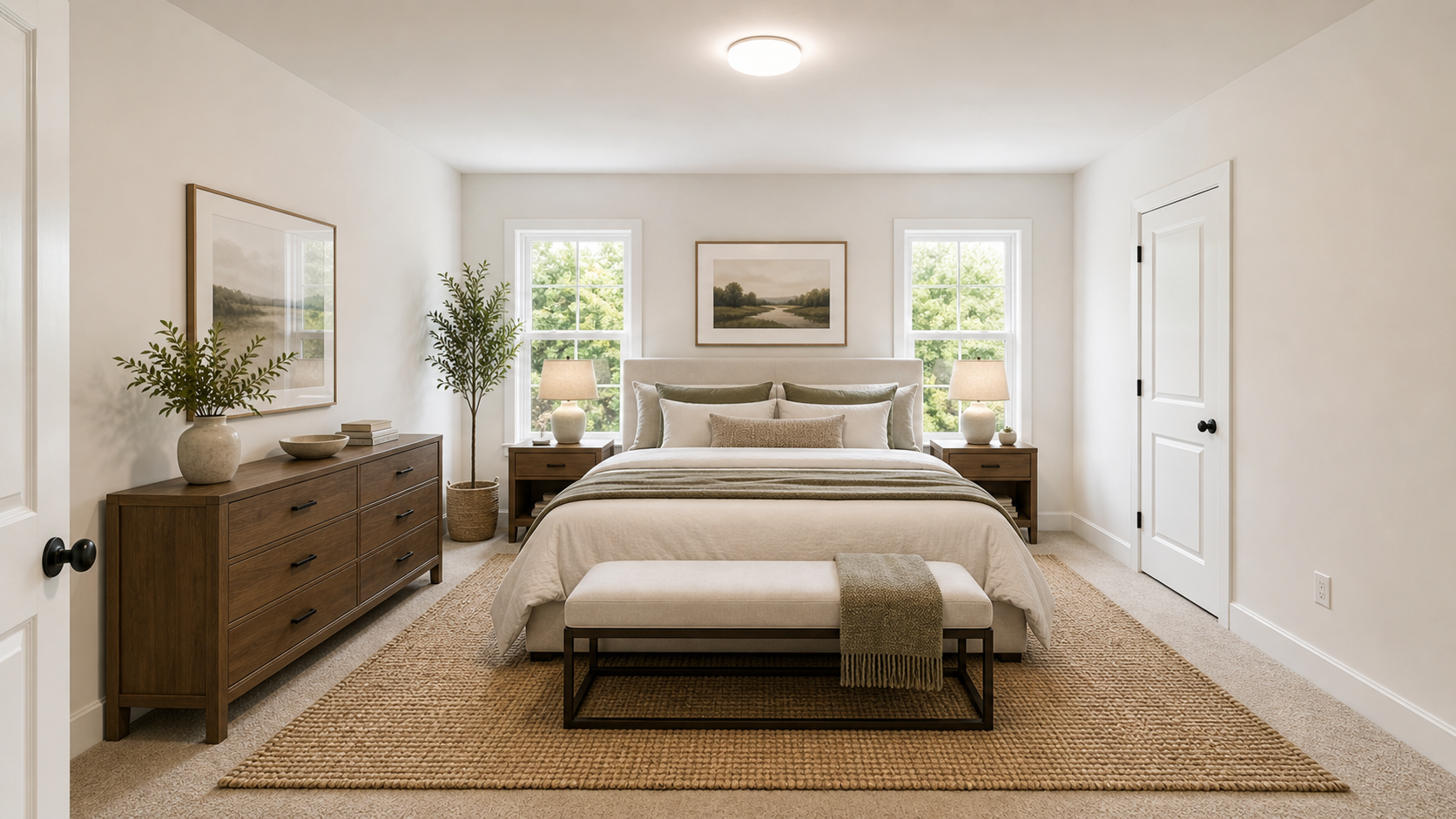
Primary bedroom after premium virtual stagingPrimary bedroom before virtual staging
BeforeAfter

Primary bedroom

Show primary bedroom scale

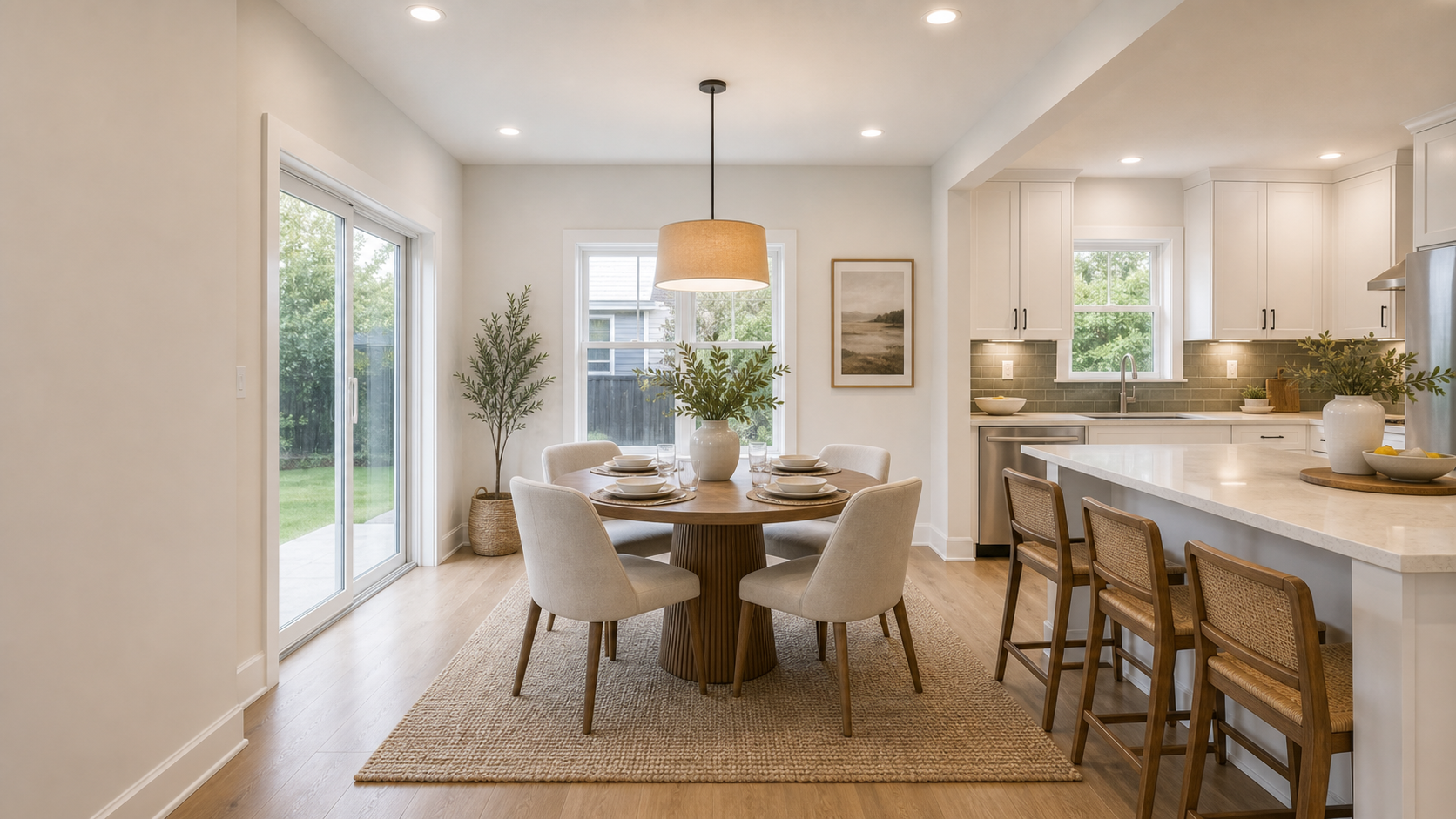
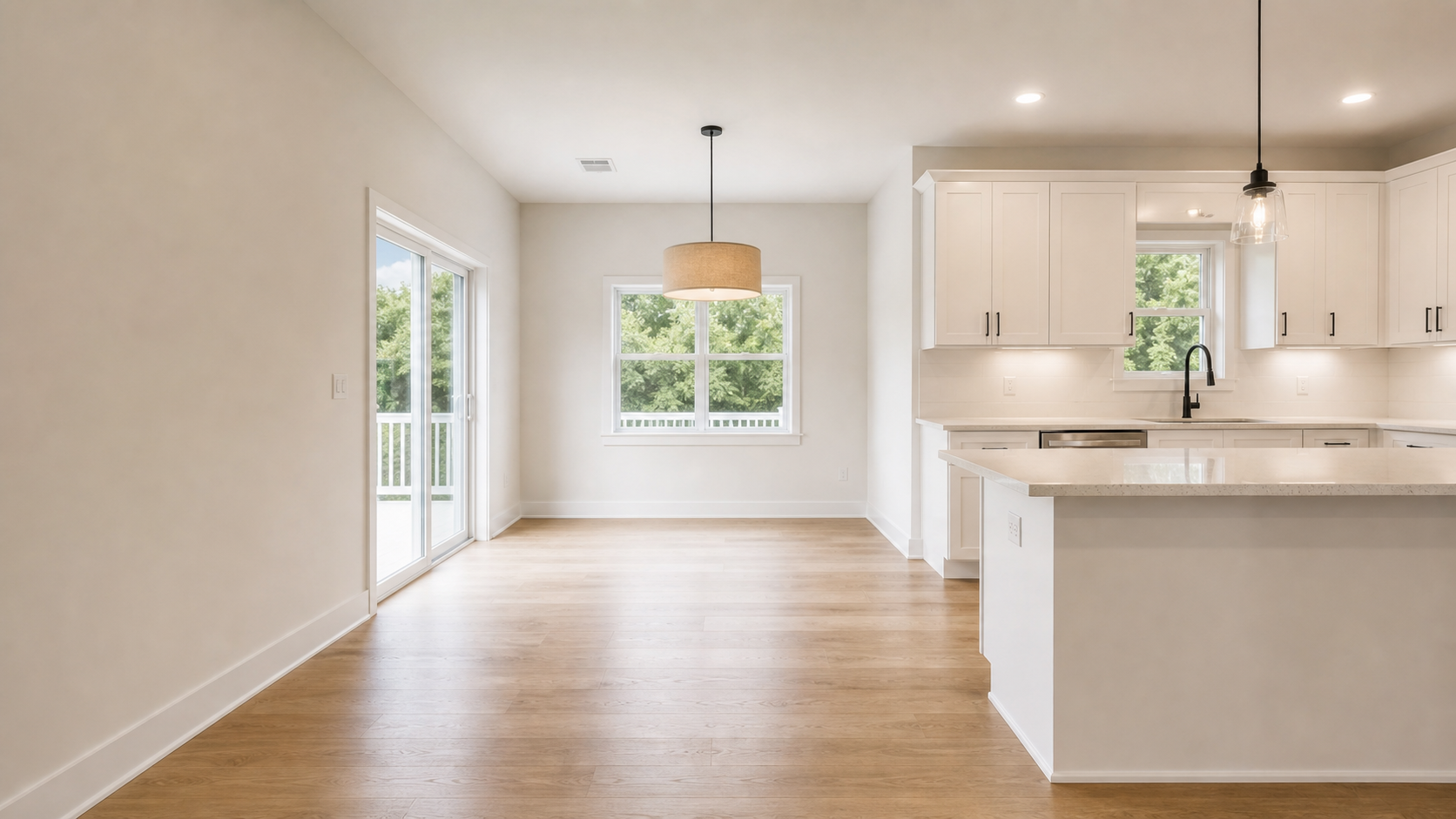
Kitchen and dining area after premium virtual stagingKitchen and dining area before virtual staging
BeforeAfter

Kitchen + dining area

Make kitchen and dining feel connected

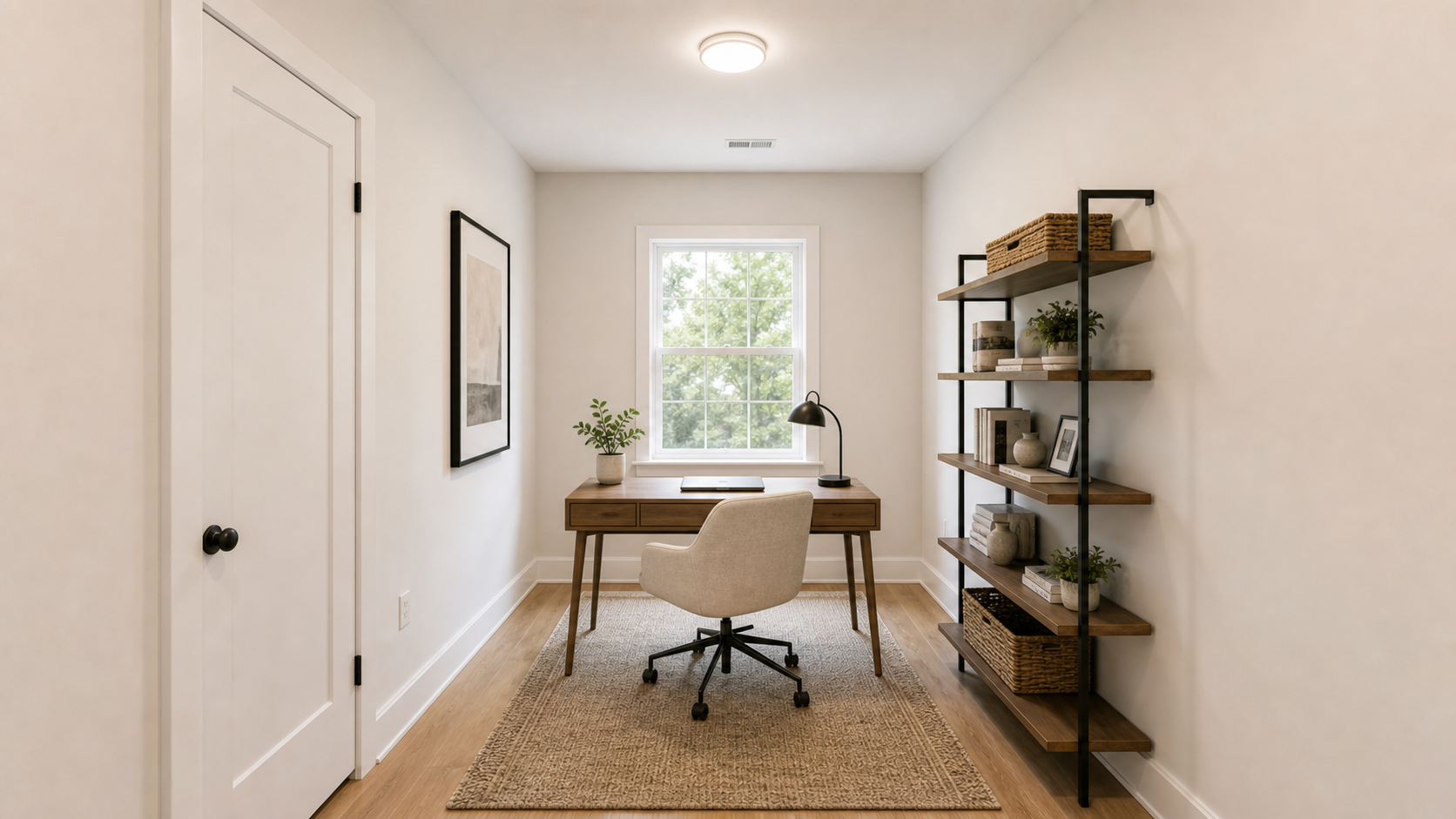
Flex room after virtual staging as a home officeFlex room before virtual staging
BeforeAfter

Home office / flex room

Turn a spare room into an office

Formal dining room after premium virtual stagingFormal dining room before virtual staging
BeforeAfter

Formal dining room

Present a dining room with purpose

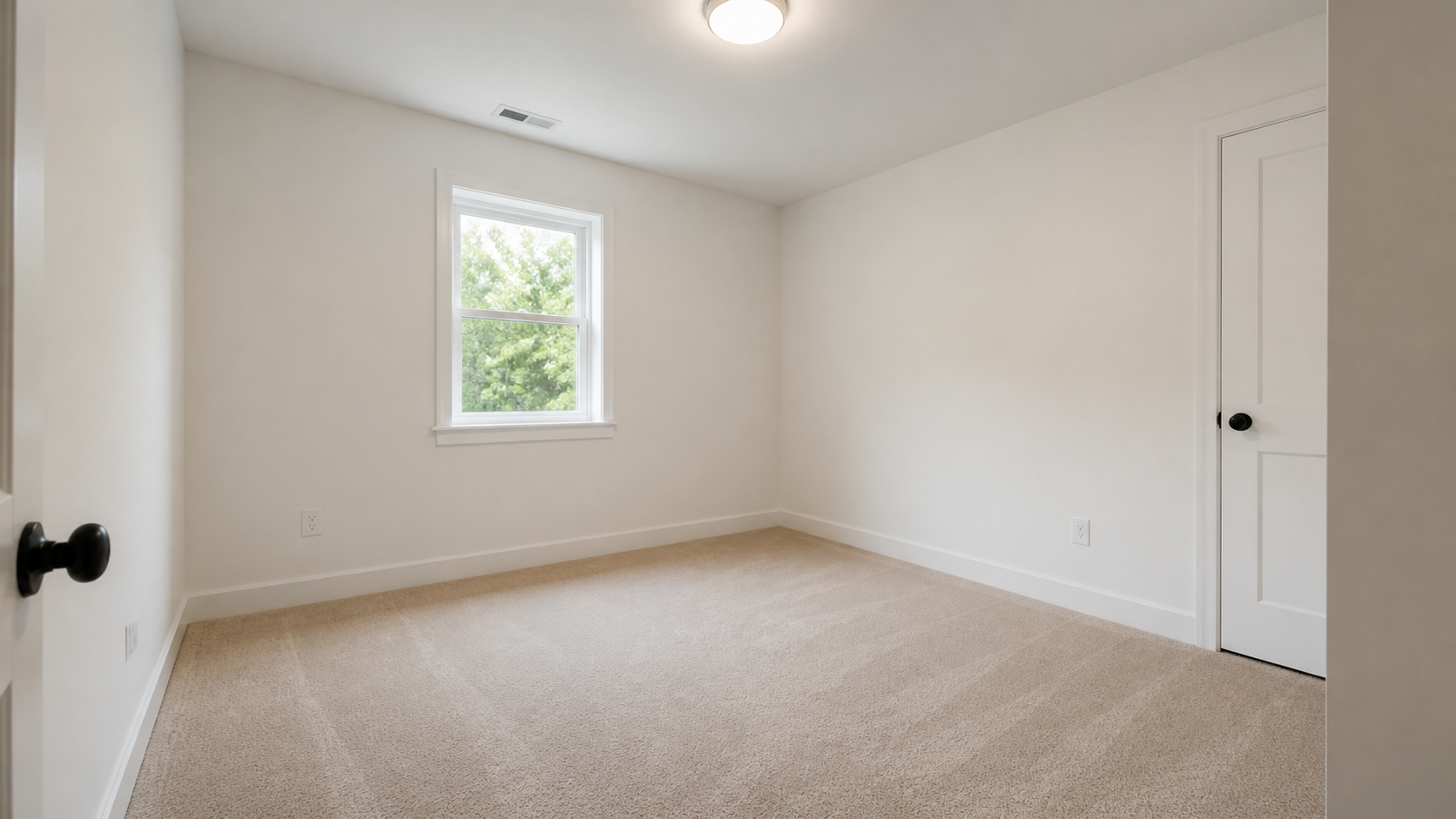
Small bedroom after premium virtual stagingSmall bedroom before virtual staging
BeforeAfter

Small bedroom / guest room

Make small bedrooms easier to read

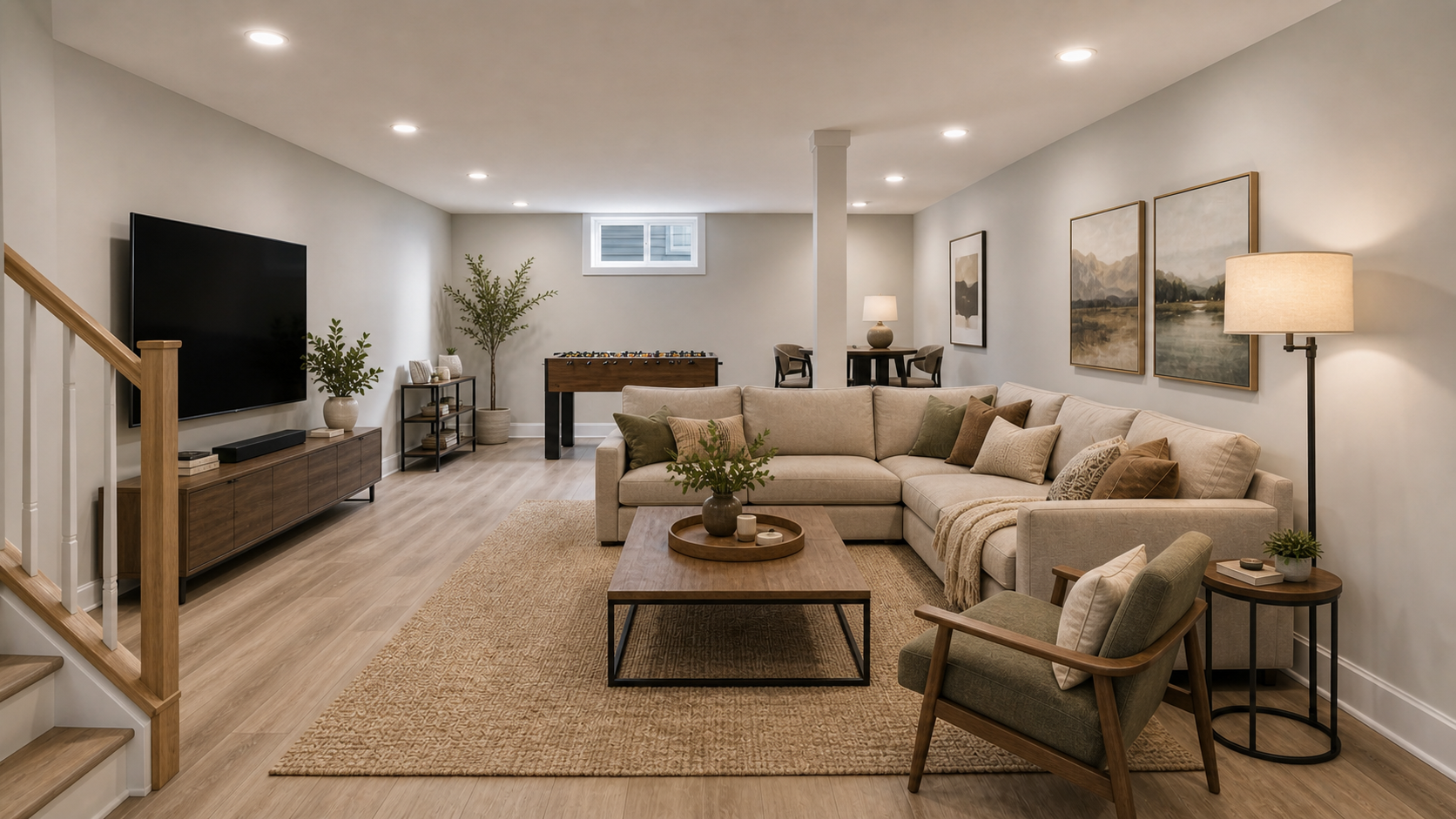
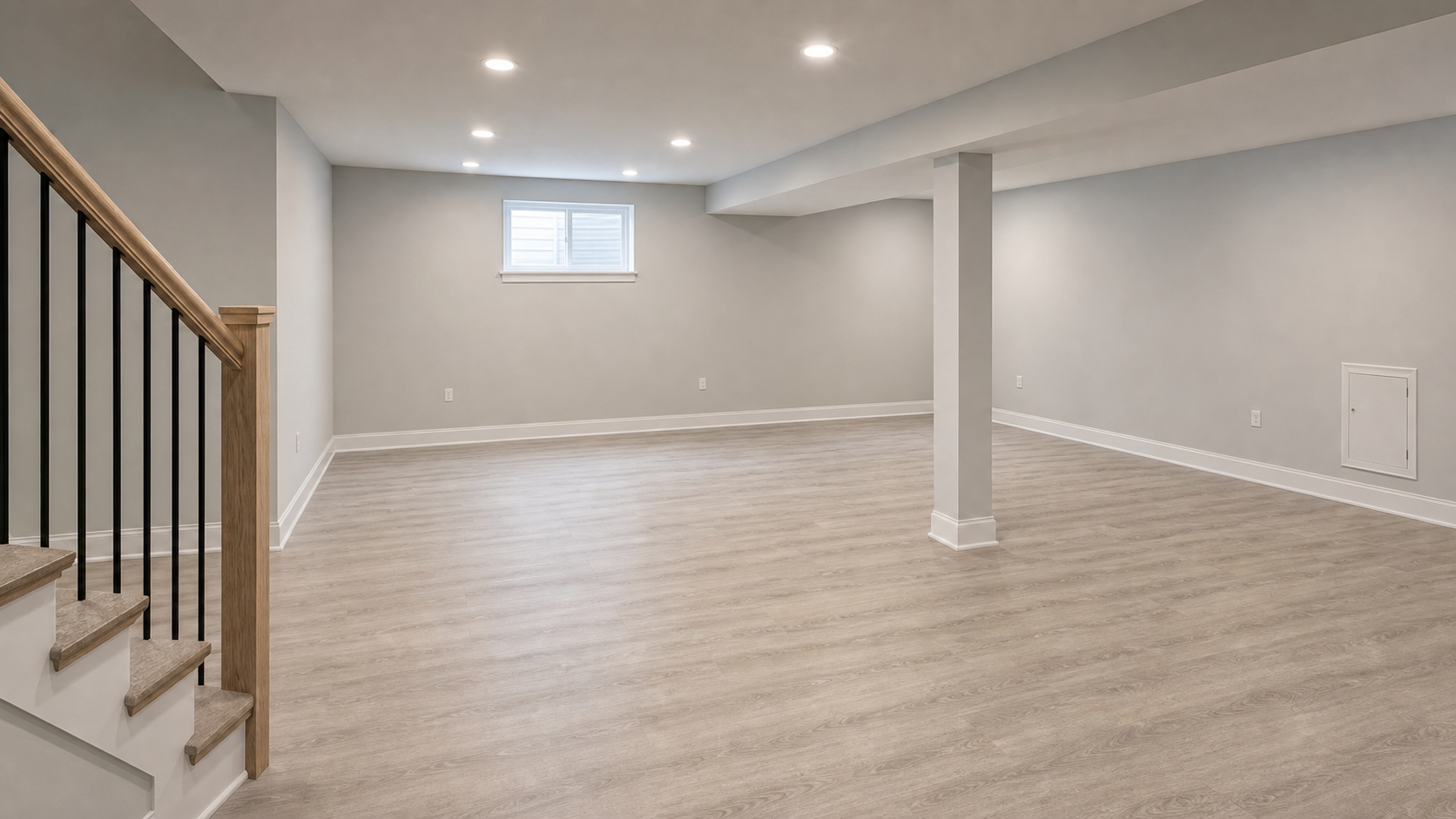
Basement after premium virtual stagingBasement before virtual staging
BeforeAfter

Basement / bonus room

Show basement potential

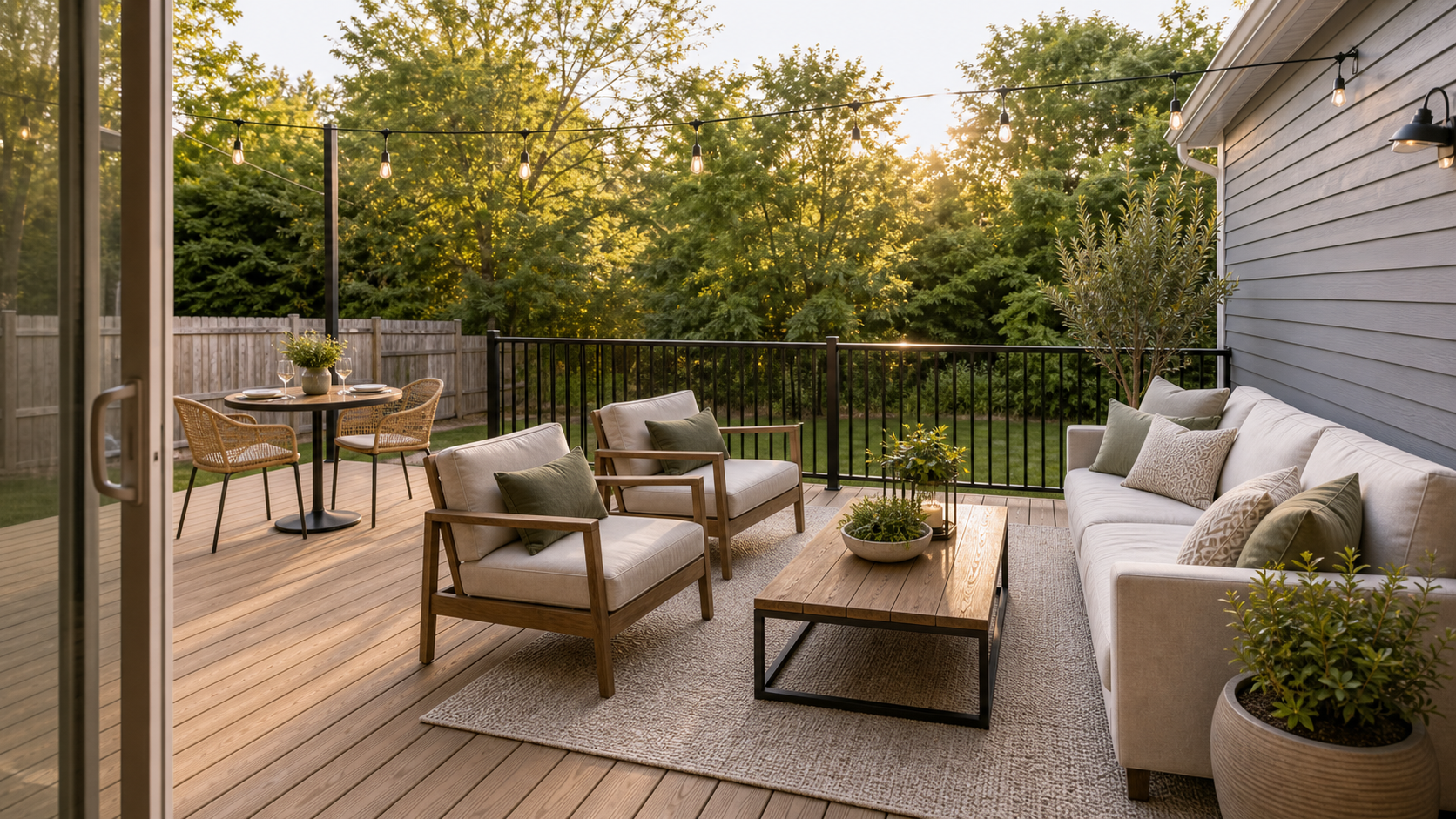
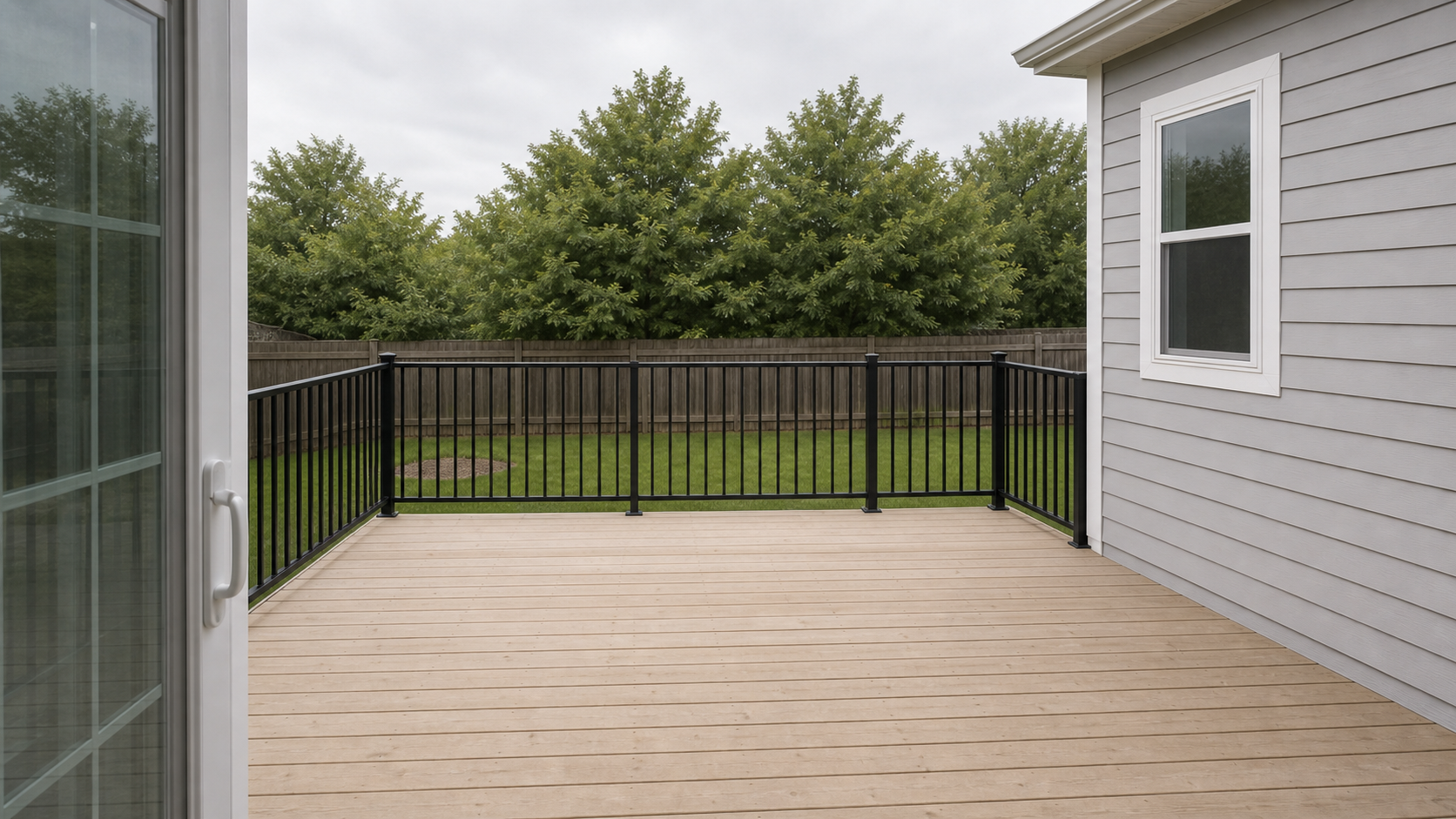
Outdoor deck after premium virtual stagingOutdoor deck before virtual staging
BeforeAfter

Outdoor patio / deck

Create outdoor living appeal

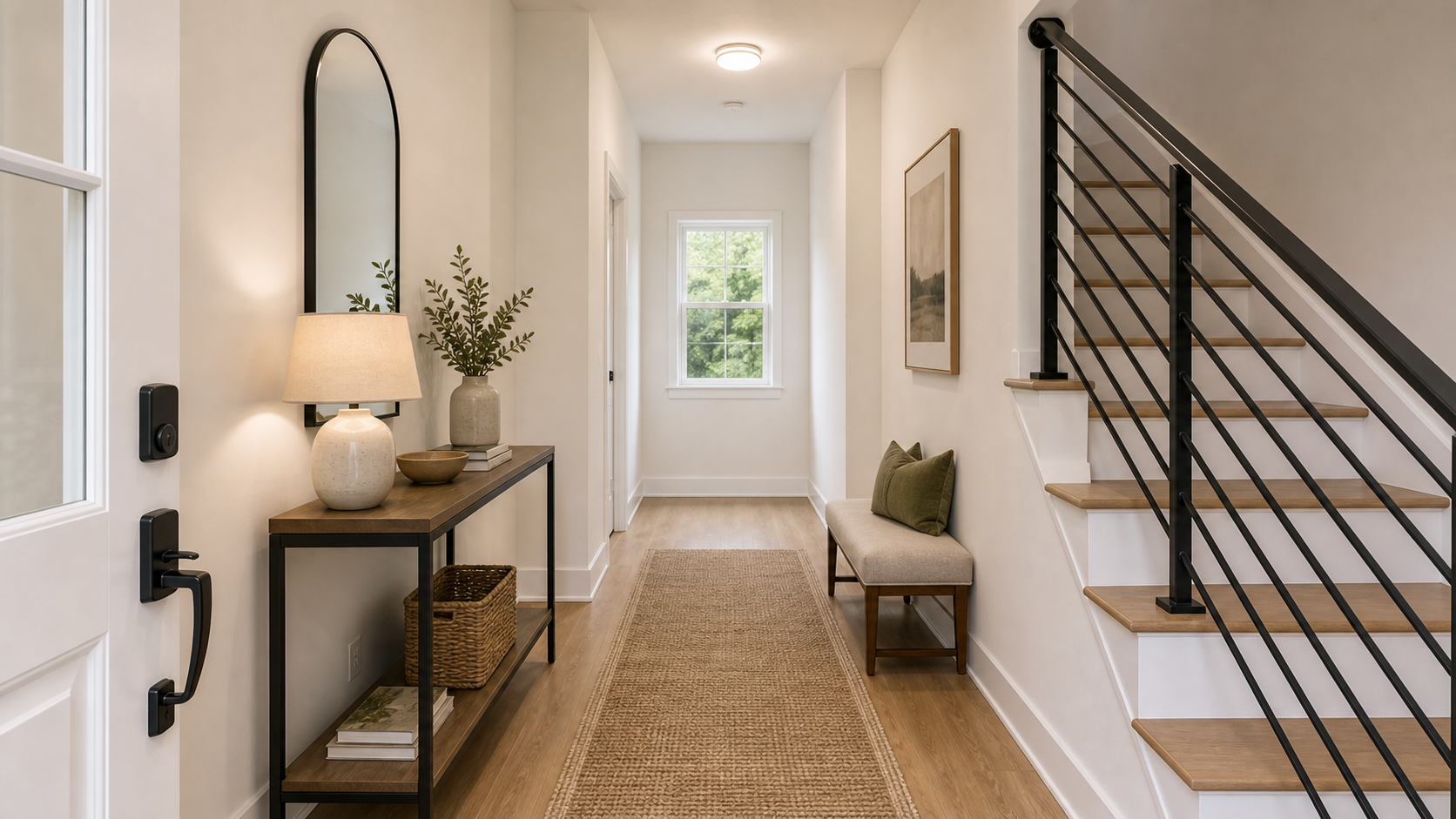
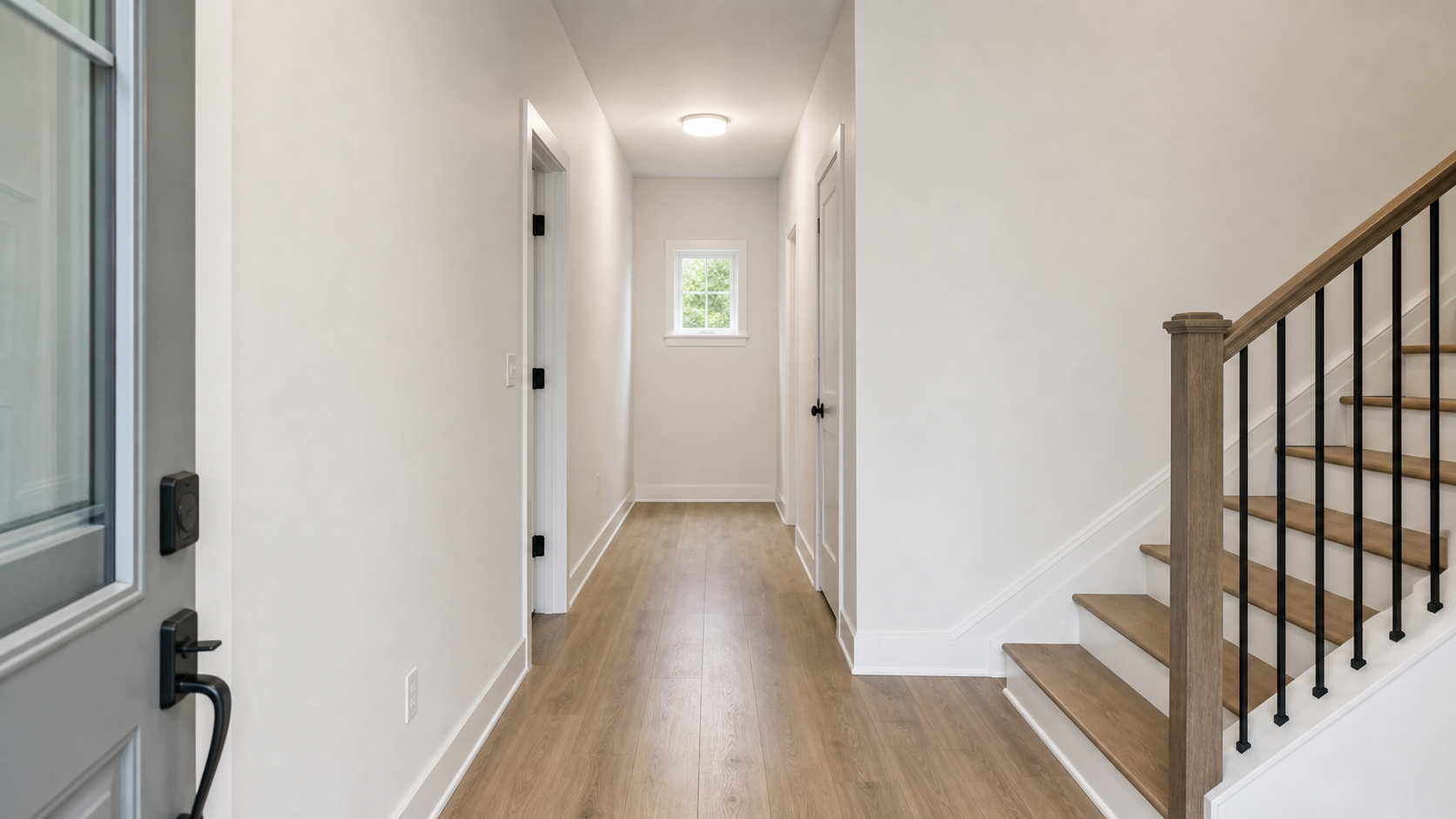
Entryway after premium virtual stagingEntryway before virtual staging
BeforeAfter

Entryway / foyer

Make the entry feel welcoming

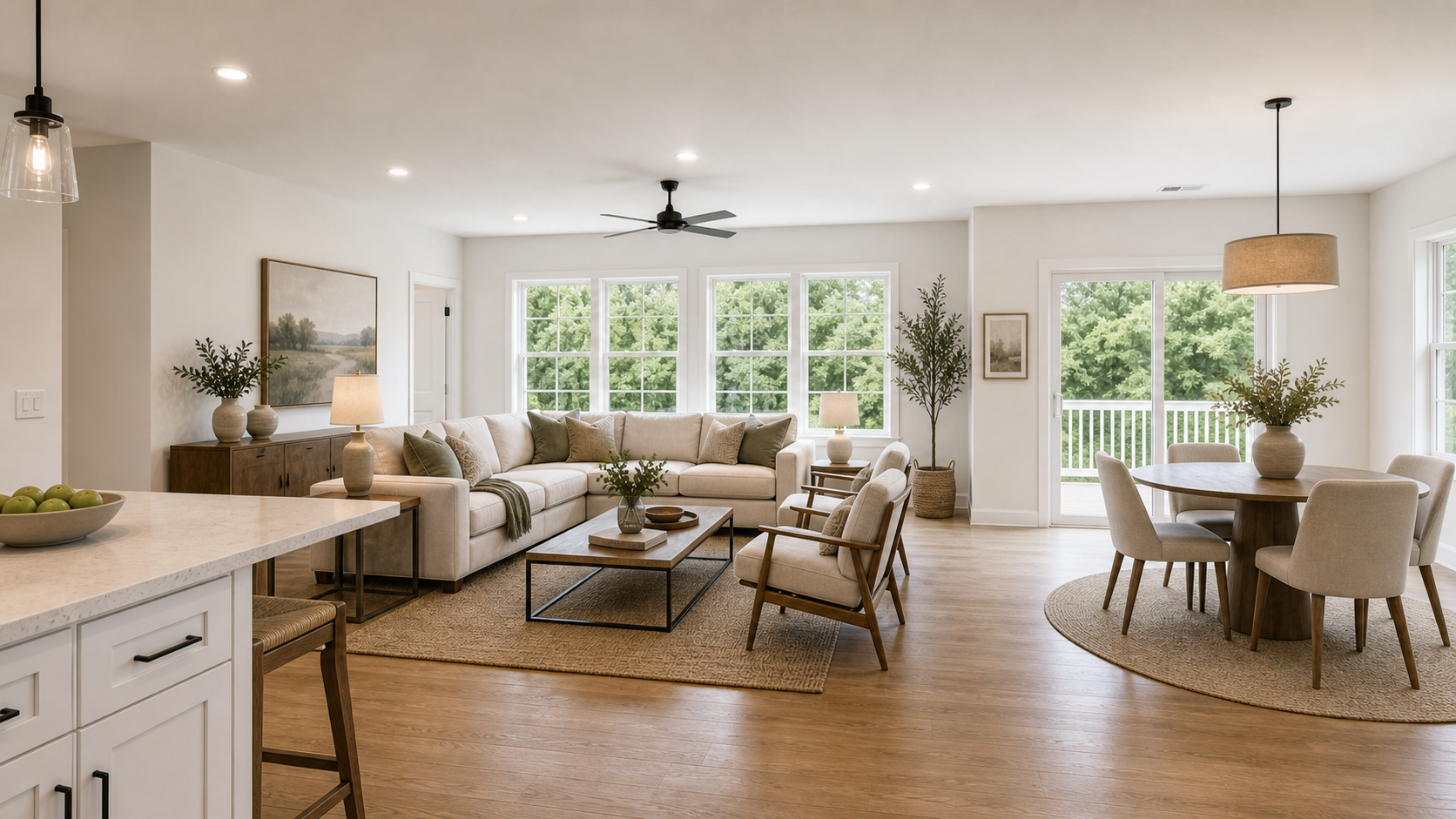
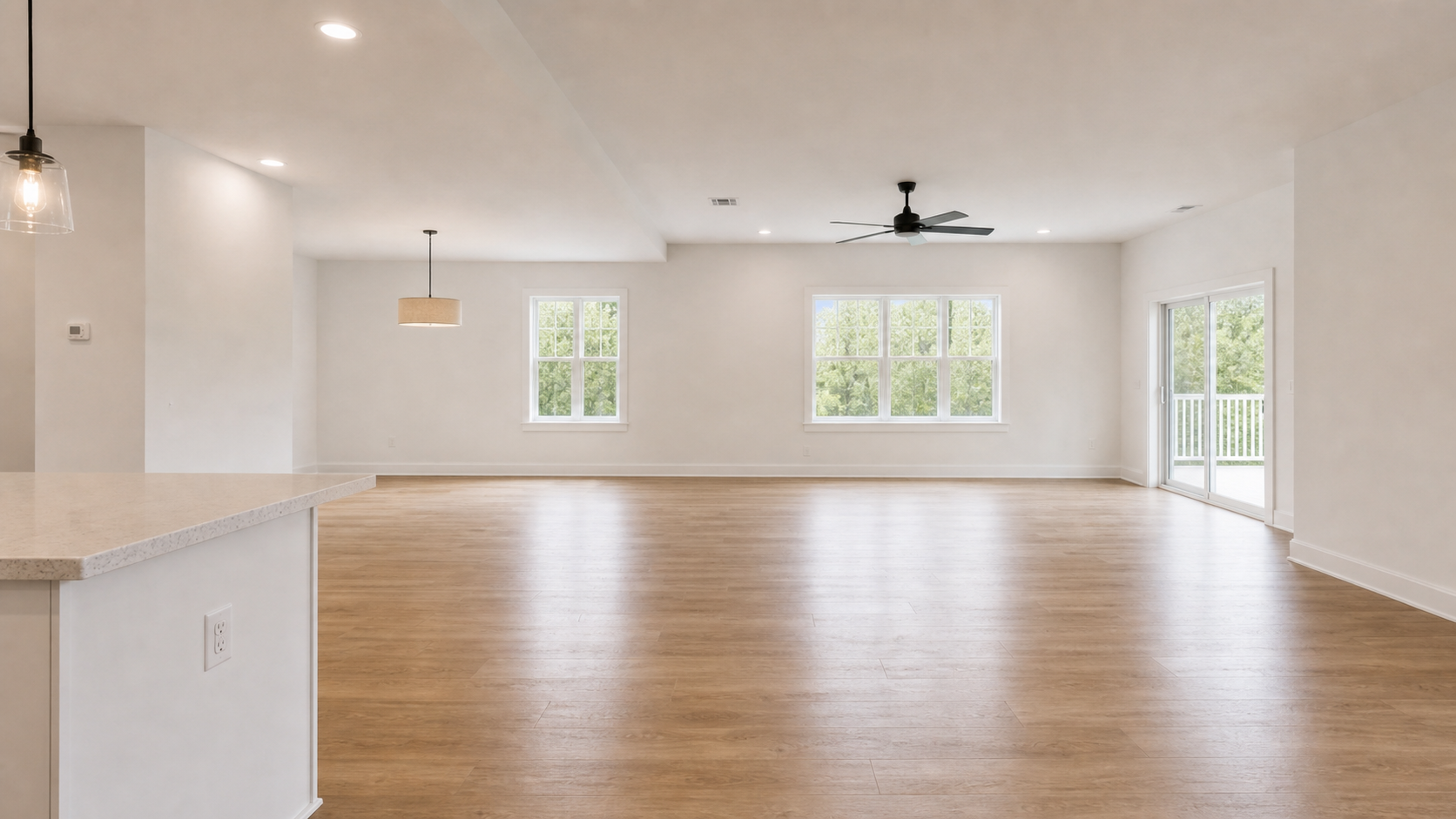
Open-concept living space after premium virtual stagingOpen-concept living space before virtual staging
BeforeAfter

Open-concept living space

Clarify open-concept zones

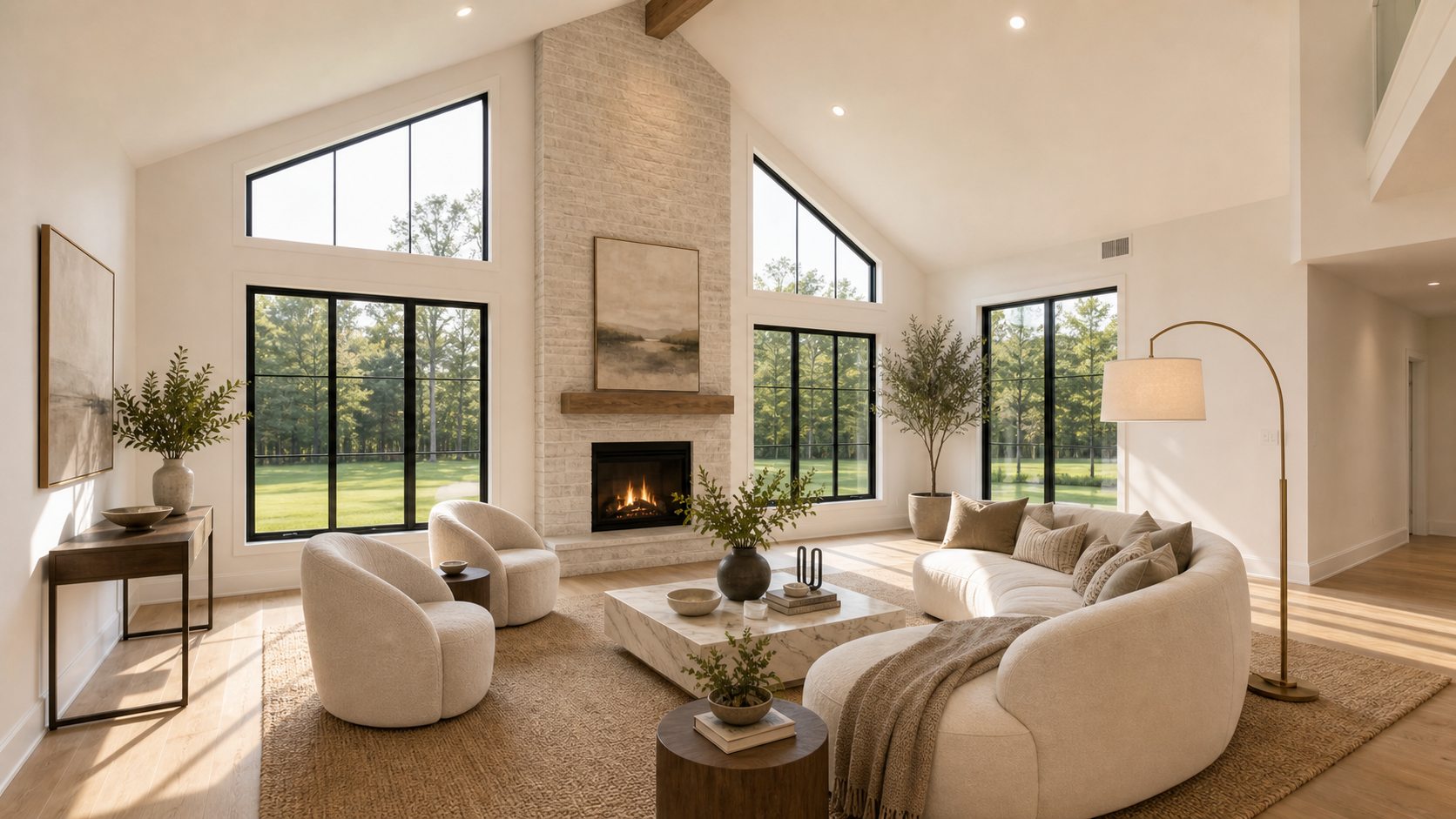
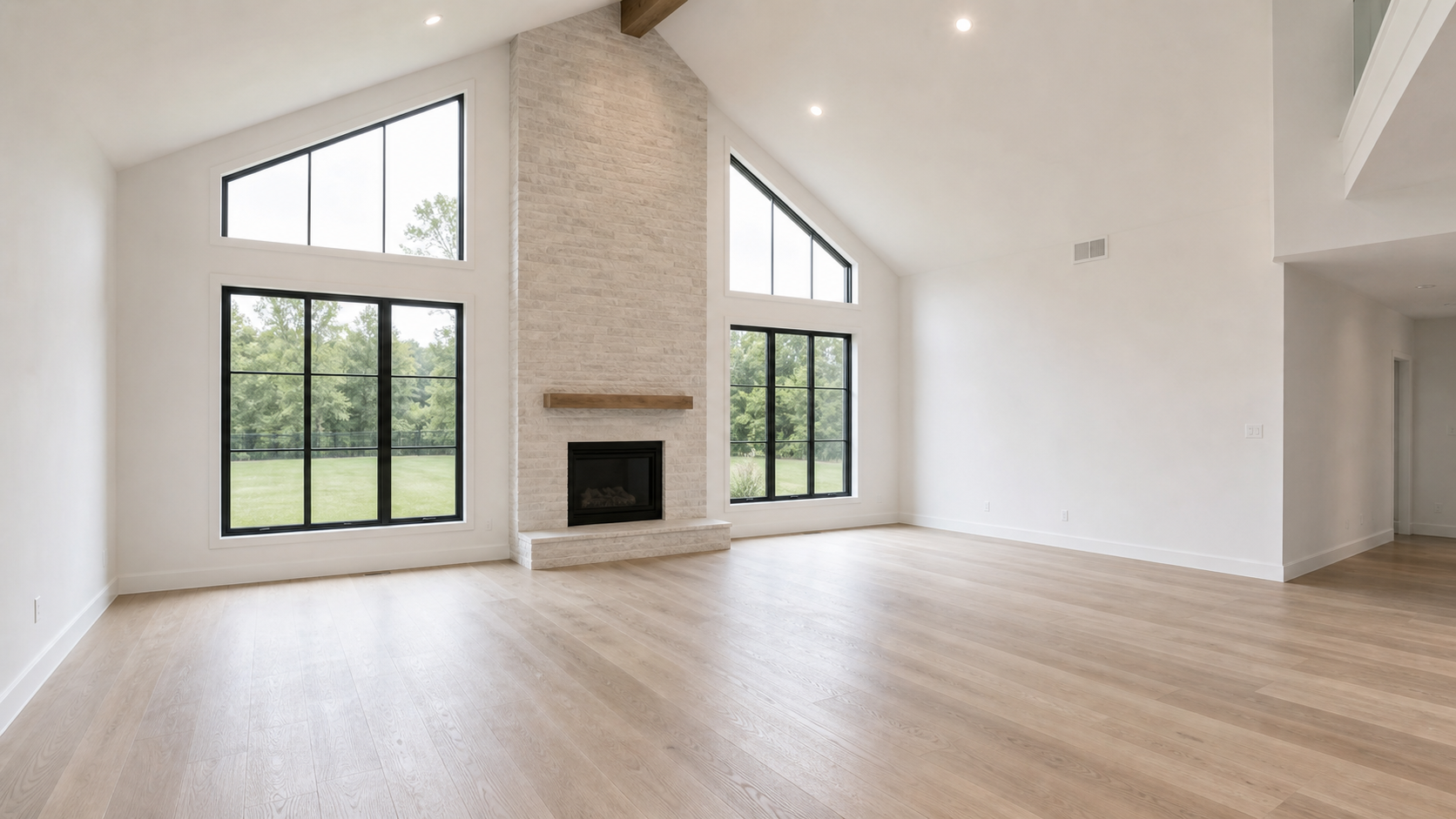
Luxury living room after premium virtual stagingLuxury living room before virtual staging
BeforeAfter

Luxury listing preview

Style a premium listing preview

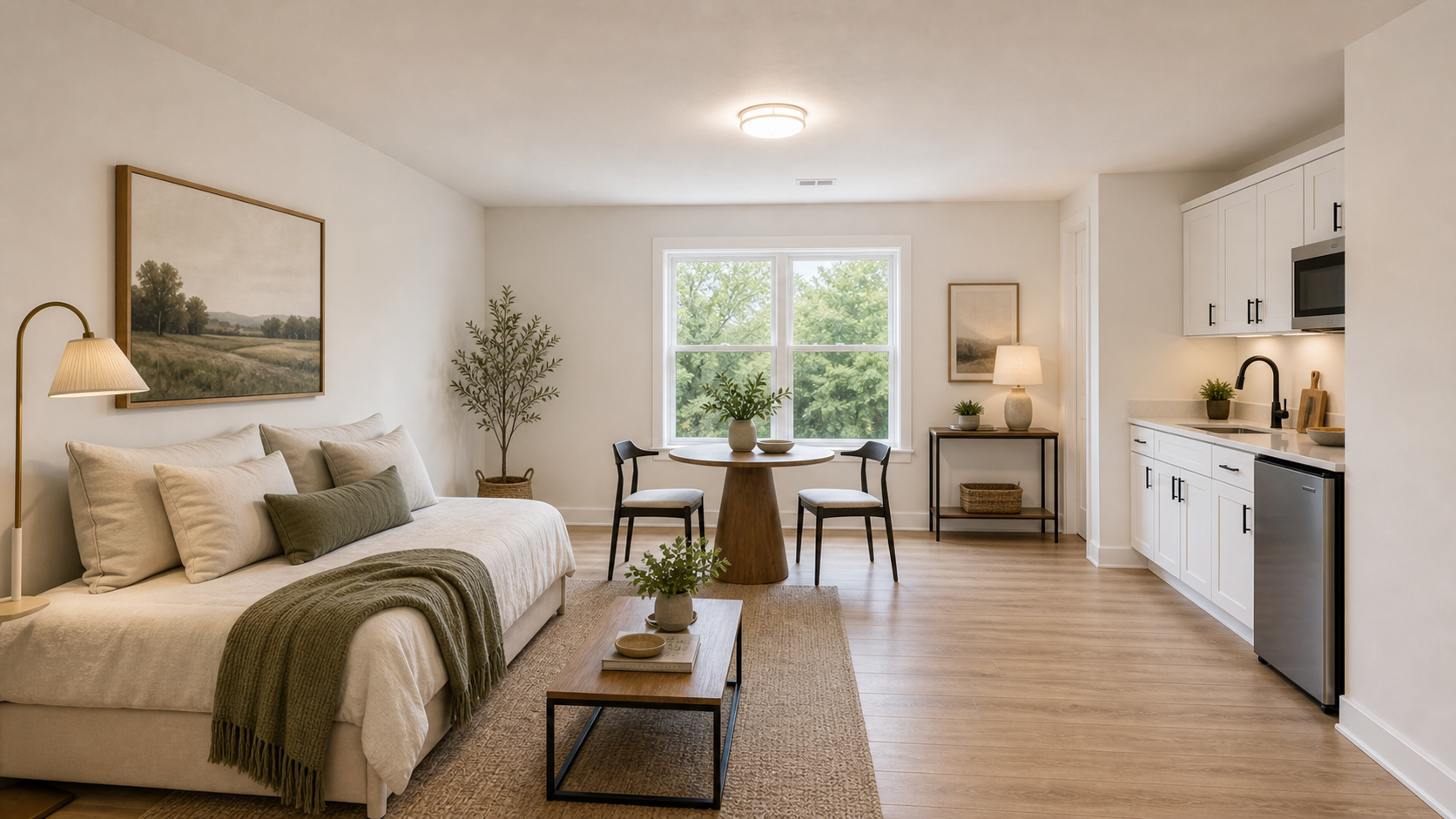
Rental room after premium virtual stagingRental room before virtual staging
BeforeAfter

Rental / Airbnb-ready room

Make rentals feel move-in ready

How it works

Stage a Room, Then Build the Listing

Upload a vacant room photo, choose a room type and staging style, then review a before/after preview and use it to create listing-ready copy.

Step 01

Upload a room photo

Use a clear photo of the room you want to stage.

Step 02

Choose room and style

Select the room type and interior style for the listing.

Step 03

Review before and after

Compare the original photo with the staged result before downloading or sharing.

Step 04

Export or review history

Export approved results in HD or review previous generations in your history.

Listing toolkit

Export and Review Staged Listing Photos

Download staged images, review the result, and use the email templates tool when you need follow-up copy.

Download staged images

Export the approved staged room photo for MLS, listing pages, and marketing materials.

Save outputs

Keep approved staged photos and generated copy available for later download or reuse.

Generate listing emails

Draft open house, just-listed, buyer, and seller emails from listing context.

Remove furniture

Use the furniture removal tool for occupied rooms that need cleanup before publishing.

Review saved history

Review previous staging, furniture removal, HD export, and email draft results from history.

Review before and after

Compare the original and staged versions before sharing, downloading, or disclosing the image.

For listing agents
01

For listing agents

Improve vacant listing photos and quickly create copy for MLS, email, and social posts.

For real estate photographers
02

For real estate photographers

Offer virtual staging as an add-on deliverable for vacant or under-furnished rooms.

For rental and property managers
03

For rental and property managers

Make empty rental units easier to understand before tours or applications.

For home sellers
04

For home sellers

Preview how an empty home could look before investing in physical staging.

Who we help

Built for Faster Property Marketing Workflows

Stage vacant rooms, improve listing visuals, and create email drafts faster for sales, rentals, photography add-ons, and seller presentations.

Publishing workflow

Preview First, Publish When Ready

Start with a free watermarked staging preview, approve the result, then use credits only when you need HD listing-ready exports.

Preview

Start with a free watermarked result

Review the staged room before spending credits on a final download.

Approve

Compare before and after

Check that the staged image still represents the room clearly and accurately.

Export

Download HD when the listing is ready

Use credits for no-watermark images only when you are ready to publish.

Organize

Review saved output history

Review previous staging, furniture removal, HD export, and email draft results.

StageListingPro pricing preview

Pricing

Ready to Publish? Choose Your Plan

Start with 5 bonus credits you can use across metered tools. Buy more credits when you need additional exports or generations, or subscribe for monthly credits.

Starter Pack

$9/ pack
Use 30 credits for staging previews, 2K exports, email drafts, or furniture removal.
Paid credits do not expire.

Includes

  • 30 paid credits
  • Up to 30 virtual staging previews or regenerations
  • Up to 30 2K no-watermark exports
  • Up to 30 real estate email draft packs
  • Up to 30 furniture removal results
Popular

Agent Pack

$19/ pack
Use 80 credits across multiple staged rooms, 2K exports, furniture removal, and real estate email drafts.
Paid credits do not expire.

Includes

  • 80 paid credits
  • Up to 80 virtual staging previews or regenerations
  • Up to 80 2K no-watermark exports
  • Up to 80 real estate email draft packs
  • Up to 80 furniture removal results

FAQ

Got Questions? We Have Answers.

Have more questions? Contact support@StageListingPro.com.

Yes. After sign-in, you get 5 bonus credits you can use across metered tools, so you can test the staging workflow before buying more credits or subscribing.


Ready to Stage Your First Listing?

Start with a watermarked preview, then choose credits or Pro when you are ready to export, save, and publish.